Timezones
Set company, employee and shift timezones so a workday has the right local context. Keep overnight shifts understandable when the clock-in and clock-out fall on different dates.
 EasyClock
100% Kiwi owned · Built for teams worldwide
Bring clock-ins, timesheets, schedules and leave into one clear workspace. EasyClock is 100% Kiwi owned and built for businesses around the world, with configurable timezones, pay cycles and work rules.
Time & attendance in action
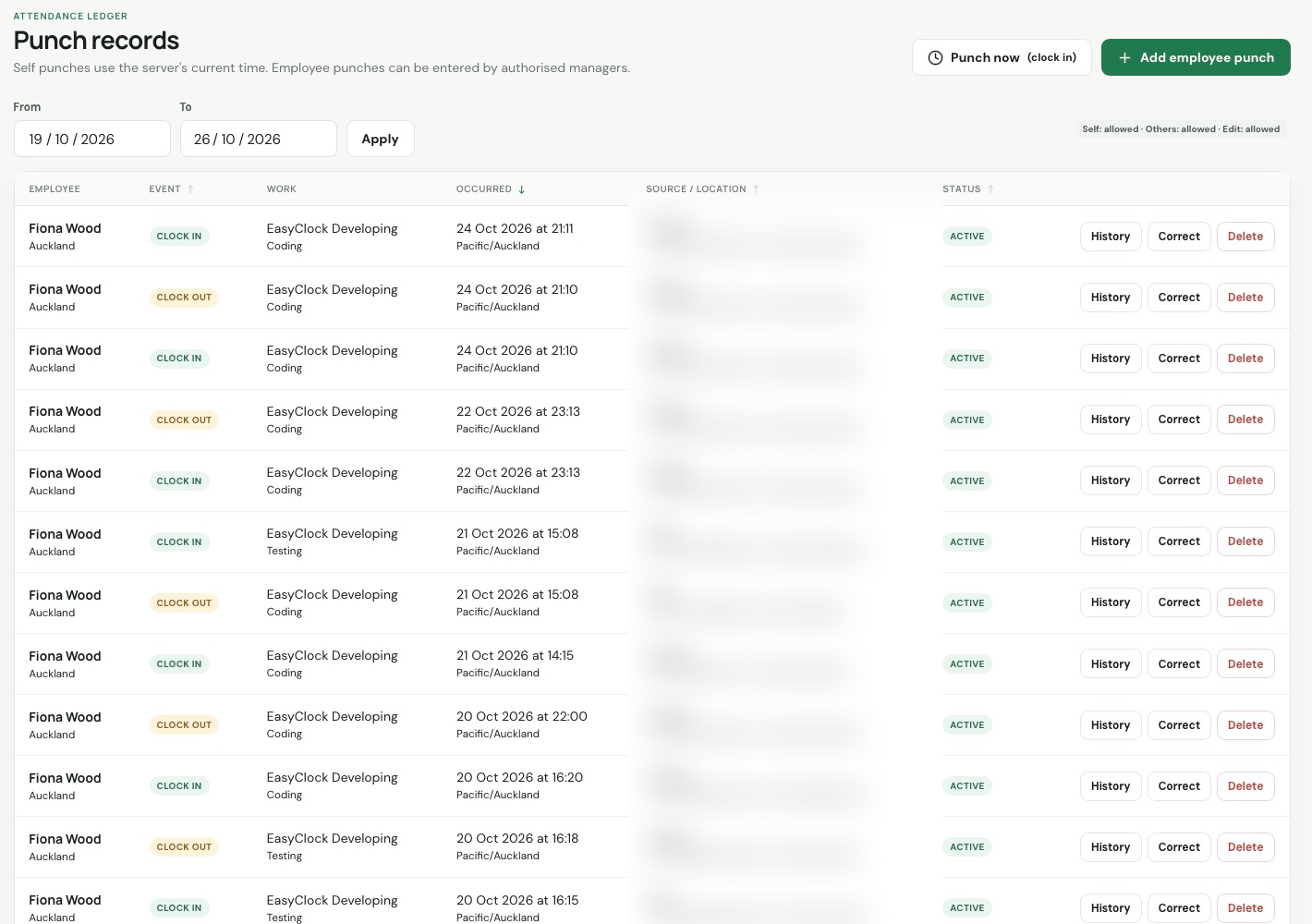
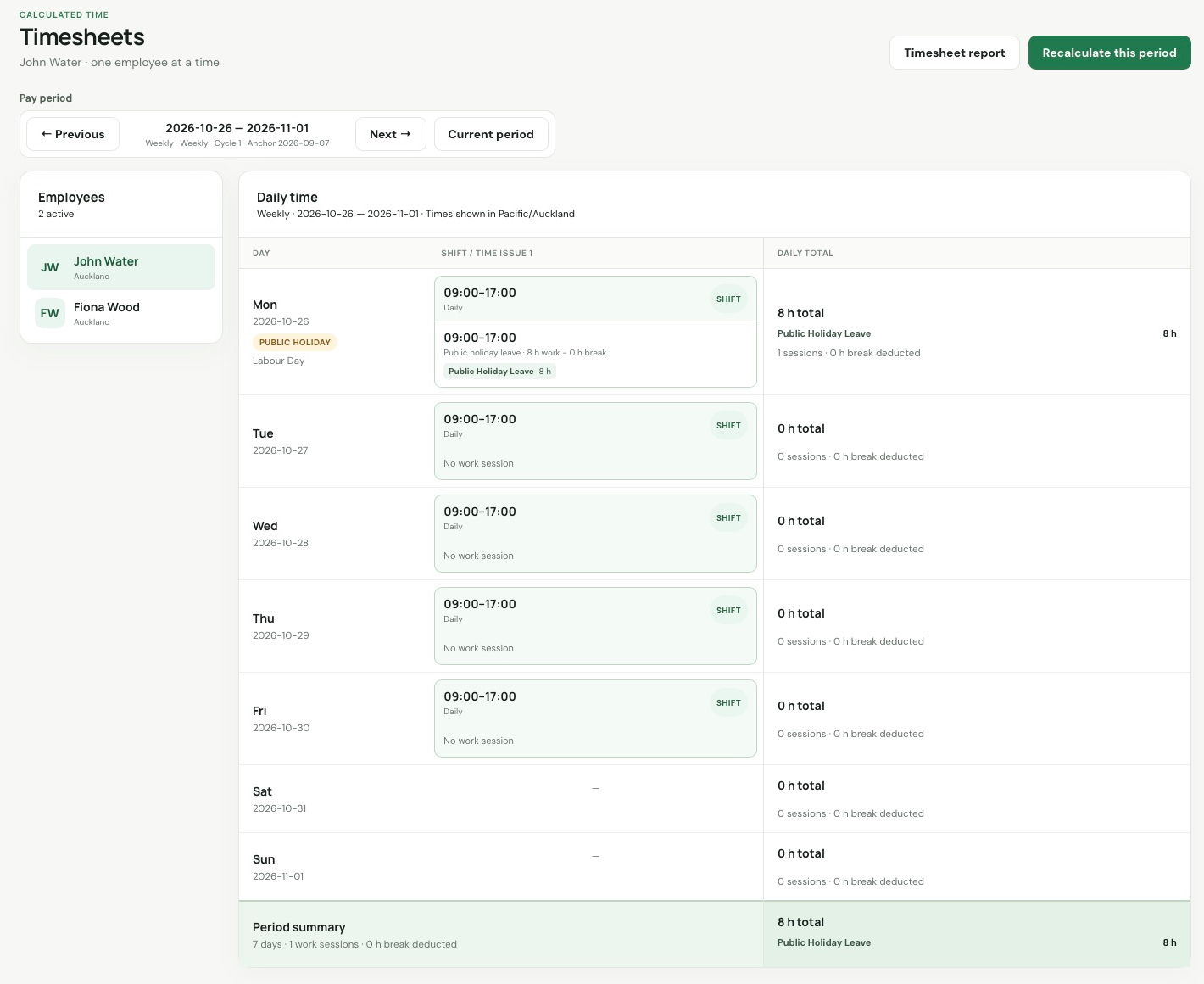
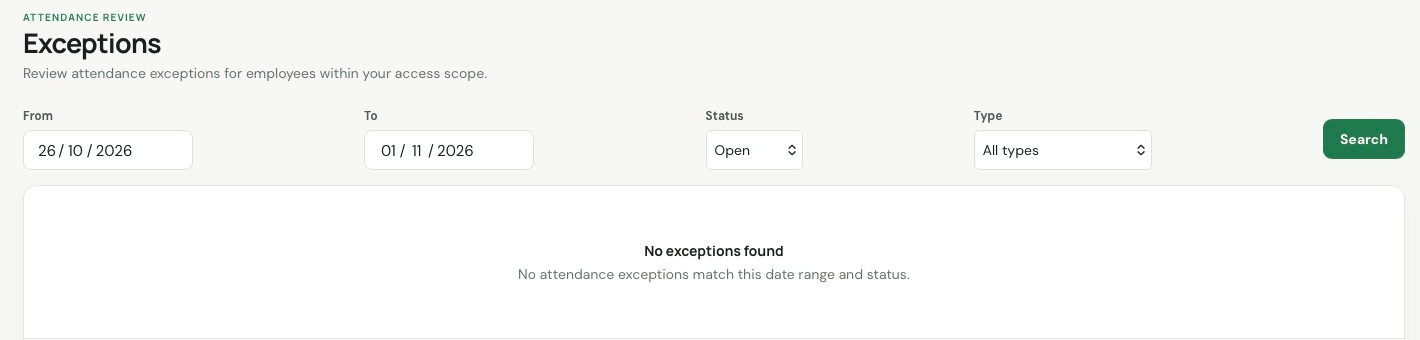
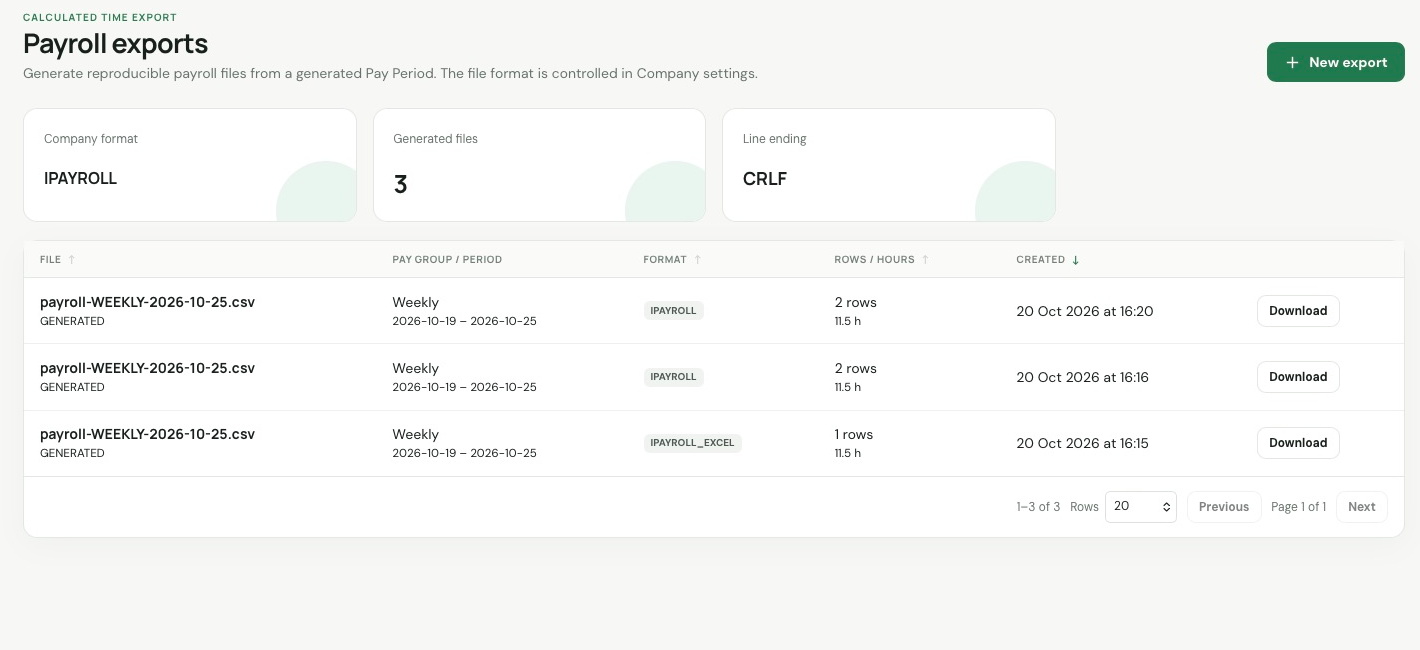
See how a manager moves from recorded punches to timesheet review, attendance exceptions and payroll-ready exports. These screenshots use demonstration data; open an image to inspect it at full size.
Timezones & work hours
Named timezones keep local dates and times in context. EasyClock’s work-hour calculation also accounts for shifts spanning a daylight saving change, before the configured work and pay rules are applied.
EasyClock compares the actual elapsed time with the local clock duration and uses the greater duration as the work-hour calculation basis. When clocks move forward, the local clock hours are preserved. When clocks move back, the repeated hour worked is included.
| Clock change | Actual elapsed time | Work-hour basis |
|---|---|---|
| No change | 8 hours | 8 hours |
| Forward 1 hour | 7 hours | 8 hours |
| Back 1 hour | 9 hours | 9 hours |
These examples show the calculation before configured rounding, break deductions, overtime and allowances. With one 30-minute unpaid break and no other adjustments, the work hours after the break are 7.5, 7.5 and 8.5 respectively.
A punch tells you when someone clocked in. A schedule shows what was planned. A useful attendance record brings those two views together, so managers can understand the hours before sending them to payroll.
EasyClock links each employee’s punches, calculated work sessions, shifts, leave and attendance exceptions. Review the selected pay period, resolve missing or unexpected time and create an export using the company’s configured payroll mappings.
Use the enabled web or mobile clock, view timesheets and request leave within your permissions. The native iPhone app and responsive web workspace connect to the same company records.
Compare scheduled work with actual sessions and review exceptions by employee and business date. Organisation and role permissions control the workforce information available to each manager.
A connected workflow
Set company, employee and shift timezones so a workday has the right local context. Keep overnight shifts understandable when the clock-in and clock-out fall on different dates.
Use weekly, fortnightly, monthly or custom pay cycles. Configure break handling, clocking grace and overtime policies through Pay Groups, with effective-dated assignments for employees.
Review hours and map pay types before generating a payroll-ready file. EasyClock supplies time data for the configured payroll process; payroll calculation and payment remain in your payroll system.
Employees can use web punching when available under the company’s plan, settings and permissions. Pro adds the native iPhone mobile punch, scheduling, Jobs and Tasks. Android employees use the mobile-friendly web workspace. Optional GPS and site rules add location context when enabled.
Frequently asked questions
Yes. EasyClock is 100% Kiwi owned and built for teams worldwide. Configure company, employee and shift timezones, pay cycles and attendance policies for the way your business works.
Pay Groups combine pay-period dates and calculation policies for groups of employees. Effective-dated assignments determine which rules apply to an employee’s work.
EasyClock prepares reviewed employee time and configured exports. Your payroll system remains responsible for payroll calculation and payment.
Explore EasyClock
100% Kiwi owned. Built for teams worldwide.